Same room, different answers
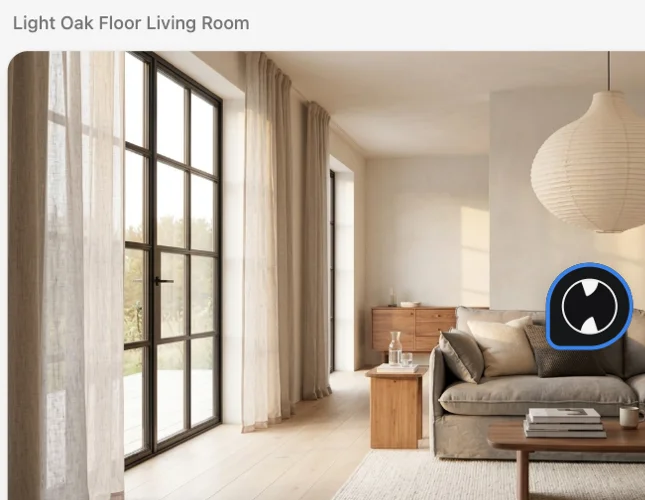
The hardest question at the start of a project is not “what is possible”, it is “which direction”. The honest way to answer it is to see the same room, with its real windows, proportions and light, in three or four different styles. Because every render Hiera makes keeps the room’s geometry and camera, the styles stay comparable: what changes between versions is the style, and nothing else.
Build a style lineup
- Start from one photo
Drop the room photo on the canvas. Every direction will be generated from this same starting point.
- Generate the first direction
Select the photo and name the style: “warm Japandi, rattan and linen”. The render lands next to the photo.
- Go back to the photo for the next one
Select the original photo again, not the render, and ask for the next style. Each direction stays a sibling of the photo instead of a copy of a copy.
- Line them up and compare
Arrange the directions side by side. The winner is usually obvious within a minute of seeing them together.
Describing beats naming when you have a feeling rather than a label: “calm, warm minimal, walnut and off-white, low furniture” often lands closer than a style name.
After the lineup
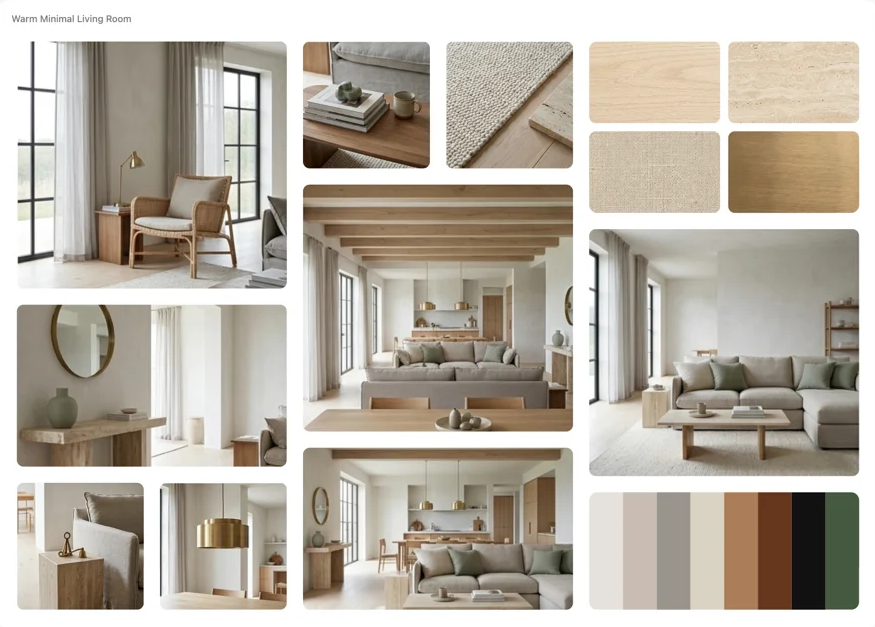
When a direction wins, keep working inside it: change single pieces one sentence at a time, build a moodboard and a palette from it, and share the canvas so the decision happens next to the options. The rejected directions stay on the canvas as the record of what was explored.
Where to go from here
Fine-tuning the winner is covered in How to change materials in a render, and turning it into a presentation in How to make a moodboard from a room photo. Or open the app and run the lineup on your own room; the workspace is free.