How credits work
Hiera itself is free — AI generations are what consume credits. Credits belong to the workspace, so the whole team draws from one shared balance, and different generation types can cost different amounts depending on the model doing the work.
Checking your balance
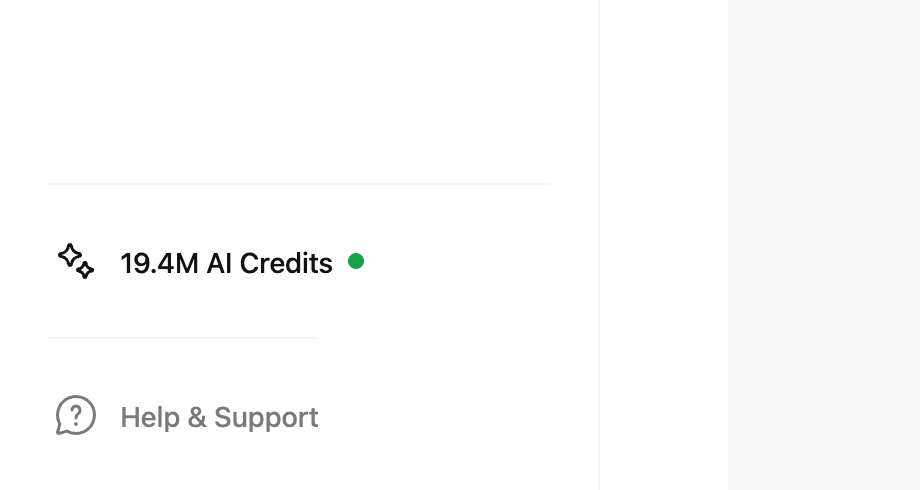
Your current balance is always visible in the dashboard sidebar as the AI Credits pill. Click it to open the billing view with usage details and past transactions.
Topping up
- Open the top-up screen
Click the AI Credits pill, or go to Settings → Top up.
- Pick an amount
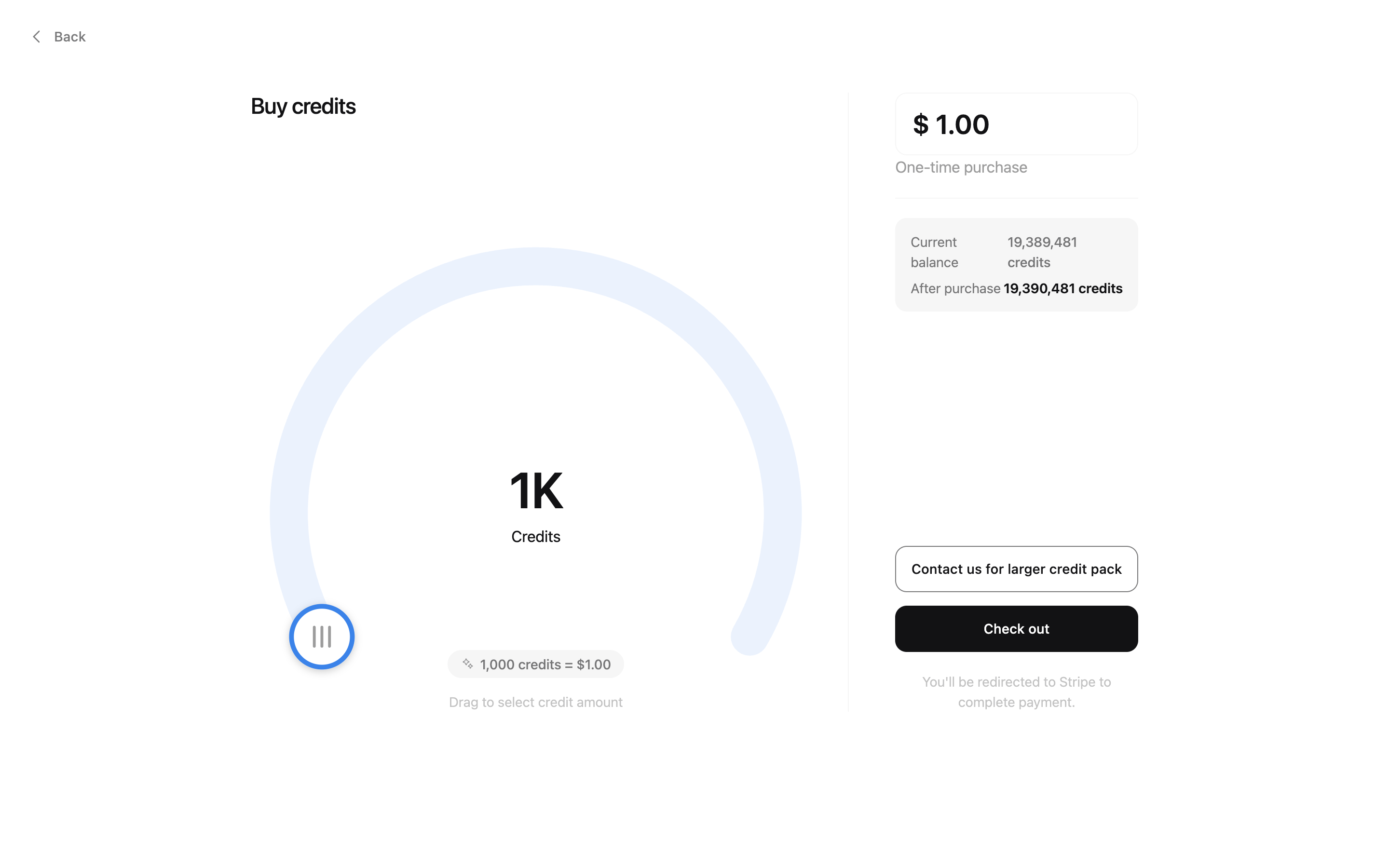
Drag the dial to the amount you want — the credit total updates as you go.
- Pay and go
Checkout is handled securely by our payment provider; credits land in the workspace balance right after.
Only the workspace owner can purchase credits. Editors spend them, viewers can see the balance — the full breakdown is in workspaces, members and roles.
Transactions and usage
The billing view lists every top-up and what the team has spent, so it is always clear where credits went. If a number ever looks off, write to us — the transaction history makes it quick to trace.