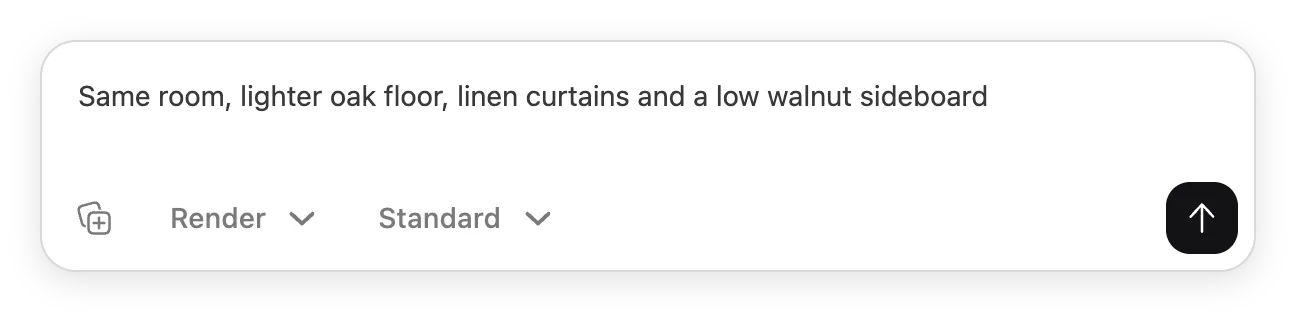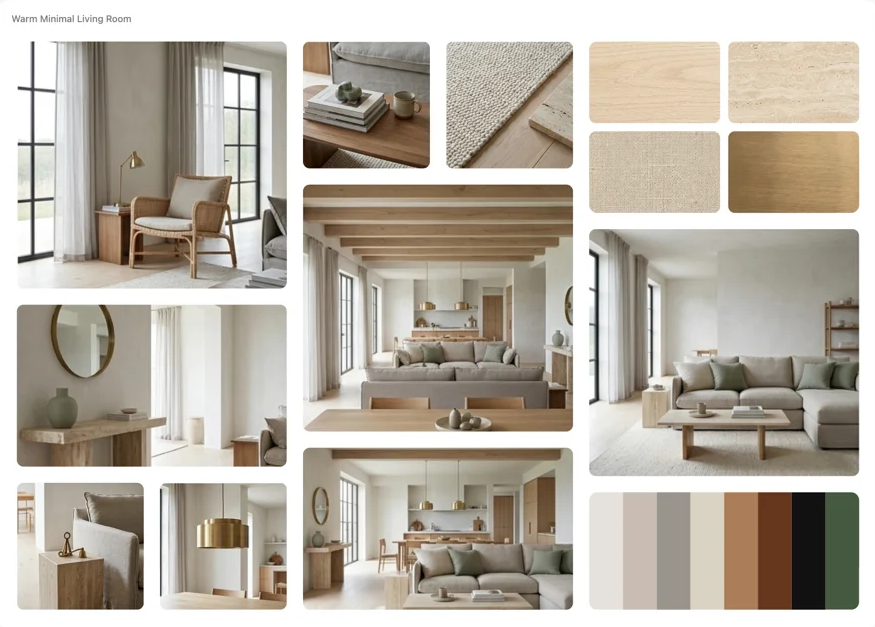
One change, not a new room
Most AI tools answer “try walnut flooring” by generating a completely new room, and the version the client already liked is gone. In Hiera an edit changes the one thing you asked for: the flooring updates, the furniture, the light and the camera stay exactly where they were. Every edit lands next to the version it came from, so directions stay comparable.
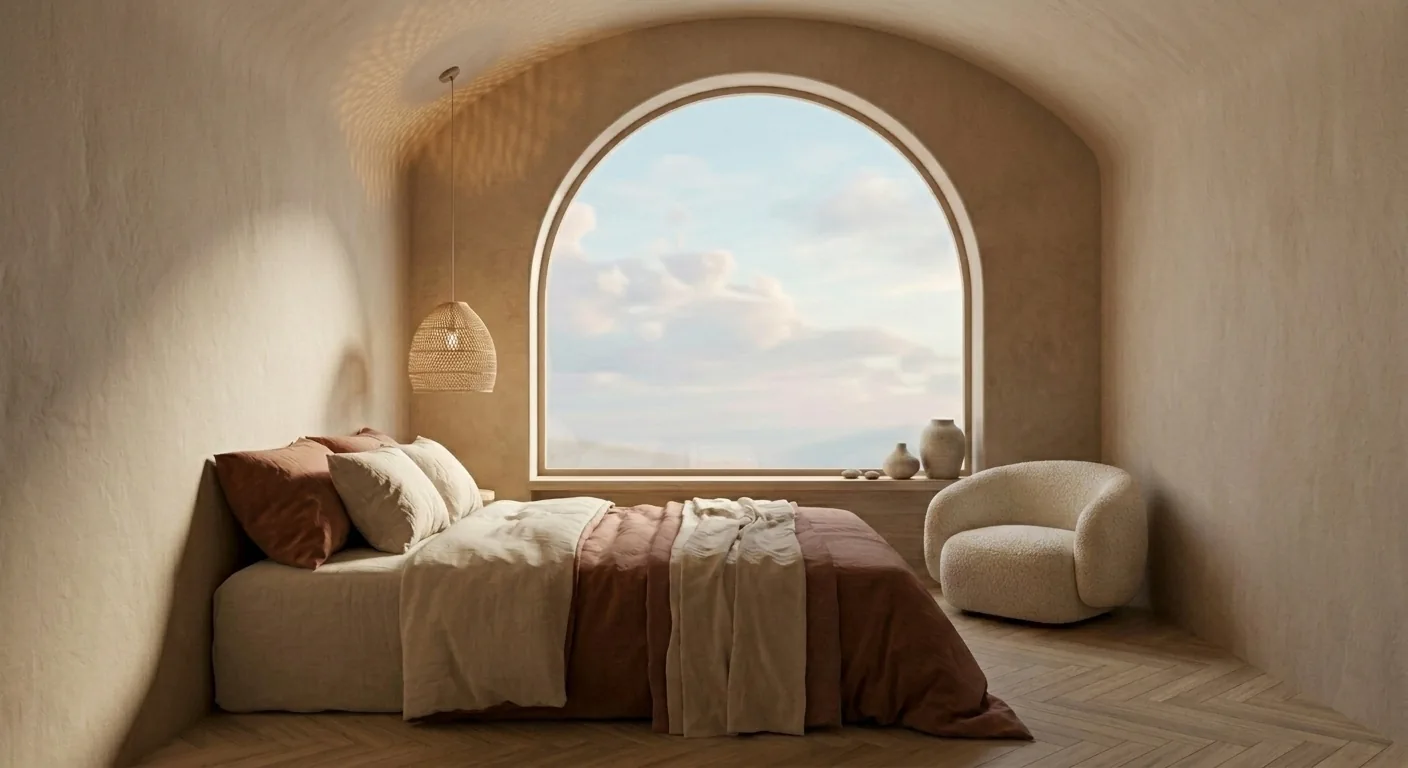
Change a material in three steps
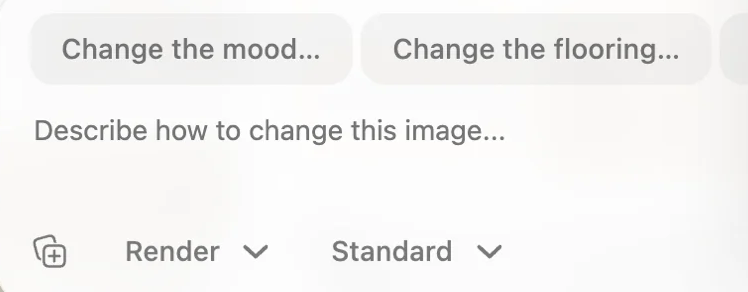
- Select the render
Click the render on the canvas. The AI input picks it up as the image to change.
- Say the change
One sentence, plain language: “try walnut herringbone flooring”, “make the walls a warm clay tone”, “linen instead of velvet on the sofa”.
- Compare and keep going
The new version lands next to the old one. Change the next thing, or pin the two side by side and decide.
When you want surgical precision
For a change in one exact spot, mark the area first: select the render, choose “Select area” in the toolbar, paint over the surface you mean, then describe the replacement. Hiera regenerates only the marked region and leaves every other pixel untouched.
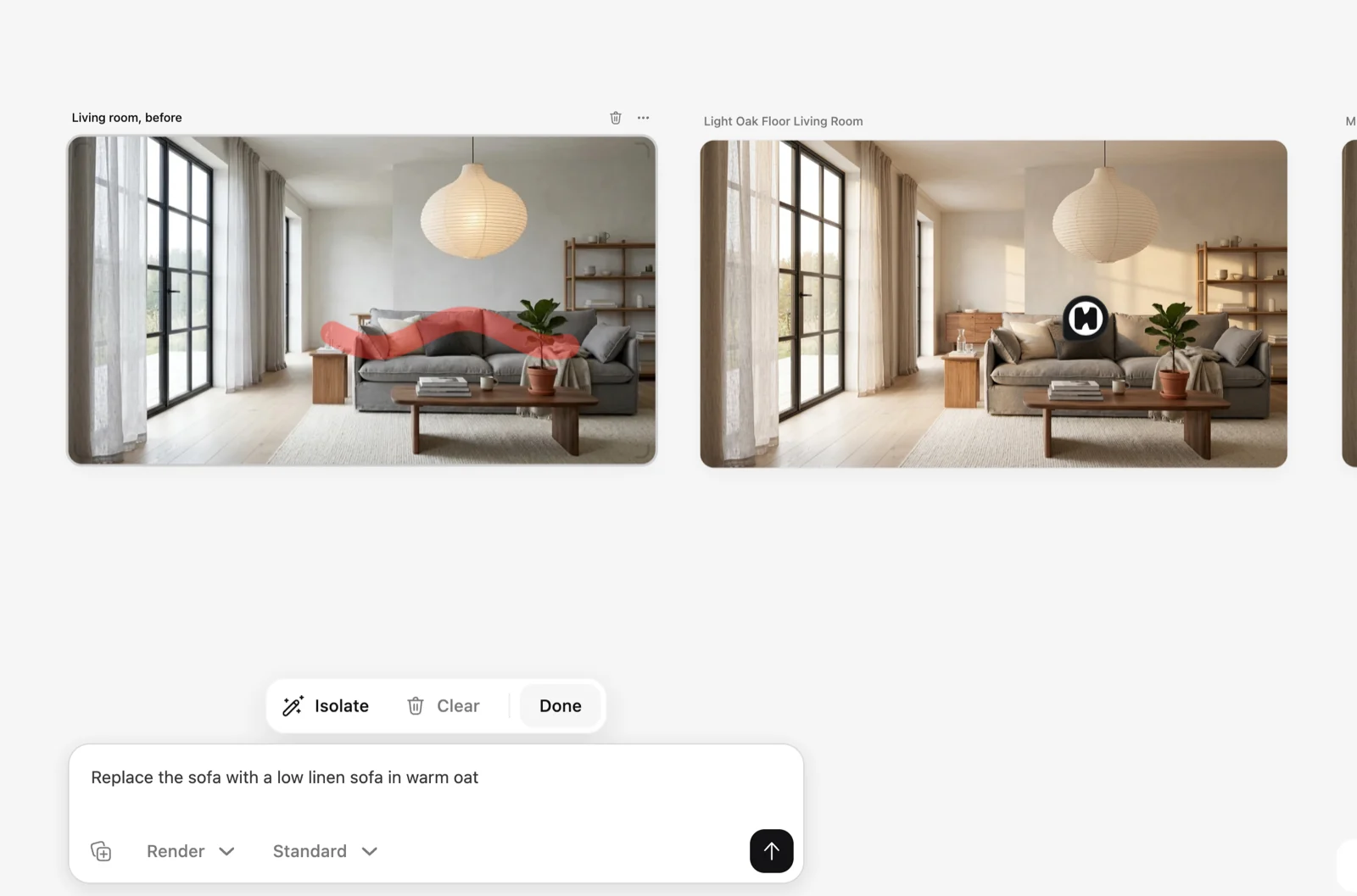
Name the material precisely. “Honed travertine countertop” and “brushed oak chevron floor” land much closer than “nicer stone” or “different wood”.
Sentences that work
A few shapes that reliably produce good material edits:
- “Change the flooring to wide-plank white oak.”
- “Make the kitchen counters honed marble, keep the cabinets.”
- “Swap the sofa fabric to a warm cream boucle.”
- “Paint the walls a soft sage green, keep the trim white.”
- “Replace the rug with a flatweave jute rug.”
Each names one surface and one material. If you want three changes, run three edits: you get a comparable version at every step, and a client can point at the exact one they liked.
Where to go from here
The whole editing workflow, with prompts, region edits and costs, lives in Generating with AI. For what render editing looks like end to end, see AI render editing on the Hiera site, or just open the app and try it on a photo of your own room; the workspace is free.